
Guides
Installation and cabling guides
Cabling is the part of an internet connection nobody sees and everything depends on. A cable in the right place fixes what no router can: the TV that buffers, the far office, the granny flat the WiFi never reaches. The wrong cable causes faults that take years to show.
These guides are for planning the work before anyone drills a hole: how a wired home is laid out, how units and second buildings get connected, and where the line sits between what you can do yourself and what the law leaves to a registered cabler.
- Guides12 guides in this topic
- Last updated31 Oct 2026
- Written byA technician, 31 years in the field
Need this fixed rather than explained?
These guides are written from the field. When the job needs a technician on site, this is where to go next.
Start here
 Start here
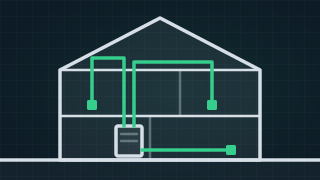
 How to set up a wired network at home
A wired home network is a data cable from one central point to each room that needs a steady connection. Plugging it in at the end is the easy part. The real work is getting each cable from the hub to the room, out of sight, and that depends on how your home is built. Need it fixed?Data Cabling11 more guides on this
-
 New
New The fibre upgrade is free. Here's what households end up paying for.
Is the NBN FTTP upgrade really free? NBN's part is. Price the extras for your house in a minute: blocked pipes, box moves and cabling, from real rates. -
 New
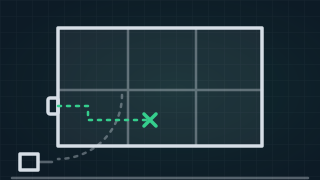
New Where will NBN put your box? Plan the spot before the installer arrives.
Where will NBN put the box in your house? Plan the best spot in a minute, check it against NBN's rules and print a sheet to hand to the installer. -
 New
New Before you dig: find the NBN cable first, and what to do if you cut it
How to use the free Before You Dig (BYDA) service, find the NBN cable on your own land, and what to photograph and who to ring if you cut it. -
 New
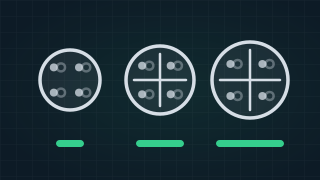
New Cat5e vs Cat6 vs Cat6a: which cable does a home need?
Cat5e vs Cat6 vs Cat6a for a home: what each carries and how far, why Cat7 and Cat8 are not house cables, and what matters more than the label. -
 New
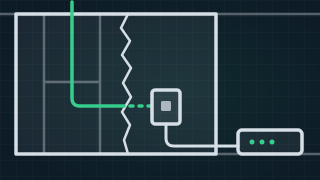
New Do you need a licence to run data cable in Australia?
Who can legally run data and phone cable in Australia: what a registered cabler is, open vs restricted, what you can do yourself, and electricians. -
 New
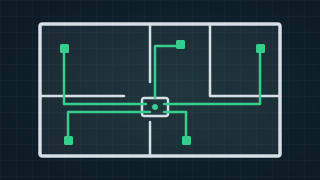
New How many data points does a home need, and where should they go?
How many data points a home needs and where to put them: the TV, the office, bedrooms and WiFi points, the hub at the NBN box, and what the house allows. -
 New
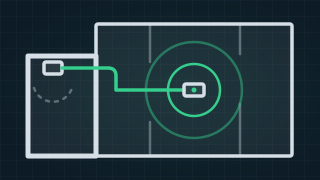
New The NBN box is in the garage. How do you get the internet to the rest of the house?
NBN box in the garage and no WiFi in the house? The options ranked: one cable to the middle, mesh, the data points already there, or moving the box. -
 New
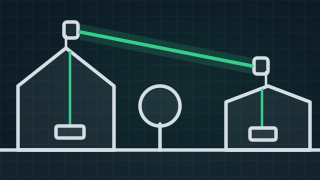
New Getting the internet to a shed, studio or second building: the wireless bridge
A wireless bridge carries your internet to a shed, studio or second building without digging. How it works, what it needs, when it fails, and the other options. -
 New
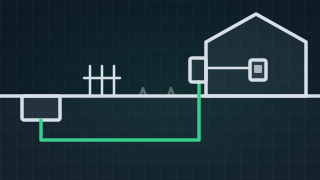
New Who owns the NBN lead-in to your house?
Who owns the NBN lead-in cable on your property: where the boundary sits on fibre, HFC and copper, what you can dig yourself, and who to ring when it's cut. -
 New
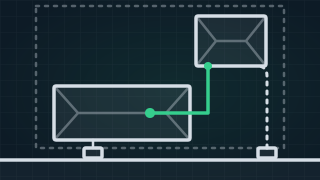
New Granny flat NBN: your own service, or share the house's?
Can a granny flat have its own NBN? How your provider gets the flat onto nbn, sharing the house's service over a cable, and what to lay before the slab. -
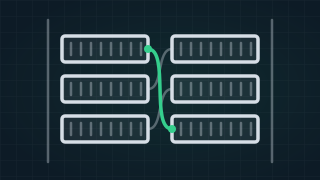
What is MDF jumpering?
MDF jumpering joins your provider's line to your unit's own cable at the building's main frame. What the MDF room is, what goes wrong there, and how to prepare.