Guides
NBN, internet and WiFi guides, written from the field
When the internet drops out, runs slow or will not reach the back room, start here. Every guide is written from real fault-finding and cabling jobs, and tells you what to check yourself before you ring anyone.
80 guides across six topics
Top guides
 Real jobs & case studiesNew
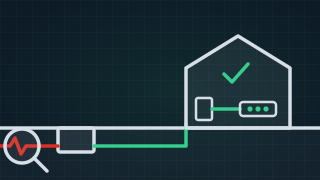
 In 56% of our callouts, the fault was not in the customer’s cabling
We built an AI brain, fed eleven years of our own documented fault jobs into it, and had it read and count every one. This is what it found. Need it fixed?NBN TechnicianStart here
The first guide to read in each topic
-
 Fault finding & troubleshooting
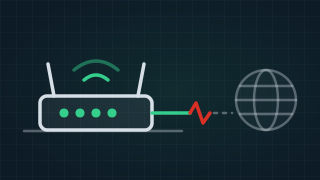
 Why are my modem lights on but I have no internet?
Modem lights on but no internet? What the WAN, Internet, WiFi and Ethernet lights mean, what flashing or red tells you, and what to try before you ring. -
 Modems, routers & WiFi
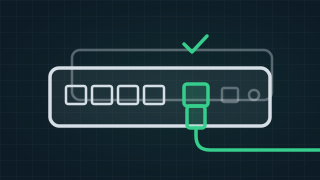
 The best modem for NBN, and the best router, picked by your type of connection
The best modem for NBN and the best NBN router, with a pick for every NBN type: a DSL modem router for a phone socket, a WAN router for an NBN box. -
 NBN explained
 Which NBN connection is best, and which one have you got?
Which NBN connection is best? FTTP, HFC, FTTC, FTTB and FTTN compared: how to tell which one your home has, what it means, and whether you can upgrade. -
 Installation & cabling
 How to set up a wired network at home
How to set up a wired home network: plan the hub, route Ethernet cable in a unit or a house, and add Ethernet ports to each room that needs one. -
 ISPs & your rights
 What is an internet technician?
What an internet technician does, the cabling registration they need, and what your provider, NBN's technician and an electrician each test.
Check it yourself
Check your connection with our NBN speed test
Check your download, upload and ping, and what a good result looks like for your plan. Run the speed testWhich NBN have you got, and is it at your address yet?
Check whether NBN is connected at your address and which type it is, on NBN Co's own map. Check your addressFault finding & troubleshooting
All 24 guides-
Why are my modem lights on but I have no internet?
Lights on means the modem has power and can see something. It does not mean the internet is getting through. Which light is off, flashing or red tells you whether the problem is the line, the modem's settings or your own WiFi, and that decides who you ring. -
 New
New Why apartment internet breaks, and what the building manager can do about it
-
 New
New How to back up the photos on your phone: iCloud or Google Photos, then a computer or a drive
-
 New
New Choosing a phone or tablet for an elderly parent: what to look for
-
 New
New BitLocker recovery key: where to find it, step by step
-
 New
New Do you need antivirus on a Windows computer or a Mac?
-
 New
New Is it my computer or my internet? How to tell in two minutes
-
 New
New Locked out of your Apple Account or Microsoft account? The official way back in
-
 New
New How to check your Mac: Disk Utility First Aid, Apple Diagnostics and safe mode
-
 New
New The password manager already on your phone, and how to use it
-
 New
New SFC /scannow, DISM and CHKDSK: how to check and repair Windows, step by step
-
 New
New Think you've been hacked? What's usually ordinary, and what to do now
-
 New
New What is a passkey? Signing in with your face or fingerprint instead of a password
-
 New
New Still on Windows 10? What end of support means for you
-
 New
New Selling or giving away an old phone or laptop? Back it up, sign out and wipe it first
-
 New
New How to restart your modem and NBN box, in the right order
-
 New
New Is the NBN down, or is it just you?
-
 New
New What is ping?
-
 New
New How to prove your NBN dropouts with PingPlotter
-
Why is my internet connection unstable?
-
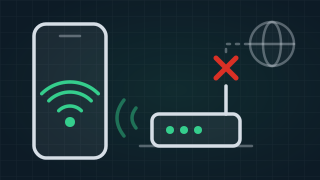
Why is my WiFi connected without internet?
-
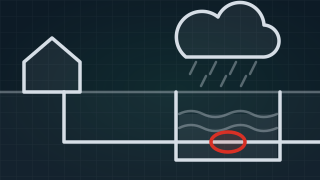
Does weather affect your internet connection?
-
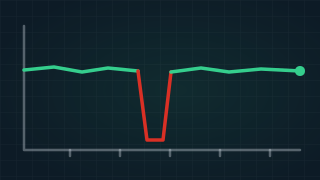
Is your NBN dropping out?
-

Why is my NBN so slow?
Modems, routers & WiFi
All 17 guides-
The best modem for NBN, and the best router, picked by your type of connection
The best modem for NBN depends on what plugs into your wall: a VDSL2 modem router with a DSL port if you only have a phone socket, or a router with a WAN port if you have an NBN box. There is a pick here for every type of NBN, then what to look for. -
 New
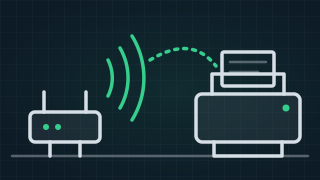
New Printer says offline? How to get it back on the WiFi and printing
-
 New
New Screen mirroring: how to get your phone, tablet or laptop on the TV
-
 New
New Smart plugs, smart bulbs and Alexa or Google: how to set them up and get them working together
-
 New
New Telstra Smart Modem: which one you have, what the light means, and how to fix it
-
 New
New 2.4GHz vs 5GHz WiFi: what's the difference, and why won't the smart plug connect?
-
 New
New The best mesh WiFi for Australian homes, picked by the house
-
 New
New How to log into your modem and change the WiFi name and password
-
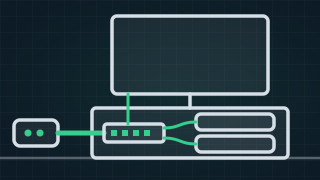 New
New Network switch vs router: how do you add more ethernet ports?
-
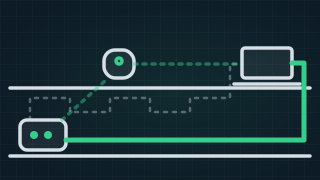 New
New Powerline adapters, mesh WiFi, MoCA or a cable: which gets the internet to the far room?
-
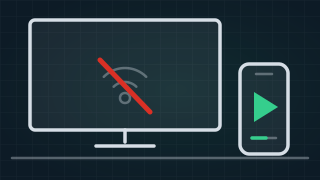 New
New Why won't my smart TV connect to the WiFi?
-
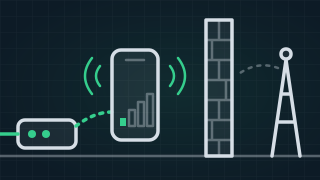 New
New Bad mobile reception at home? WiFi calling, and the boosters that are legal
-
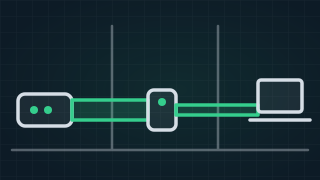
Do WiFi range extenders really work?
-
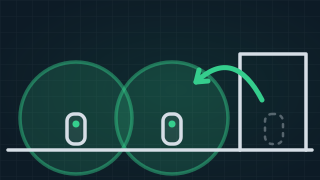
How to boost a mesh WiFi signal
-
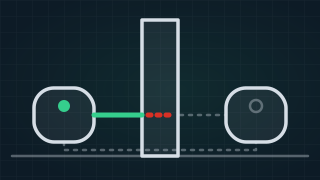
Why does my mesh WiFi keep disconnecting? Common causes and fixes
-

Best 4G routers: how to pick the right one
-
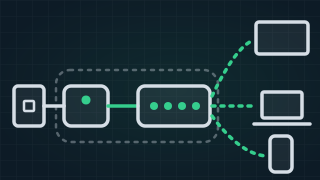
What is the difference between a modem and a router?
Real jobs & case studies
All 8 guides- New
In 56% of our callouts, the fault was not in the customer’s cabling
We built an AI brain, fed eleven years of our own documented fault jobs into it, and had it read and count every one. This is what it found. -
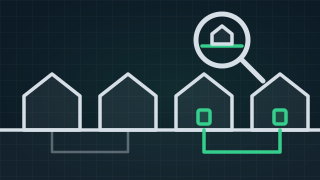 New
New Half the homes we hear from are on fibre now. Their problems haven't gone away.
-
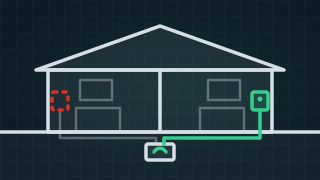 New
New Tullimbar: NBN said the house didn't exist. The fibre was in the pit the whole time
-
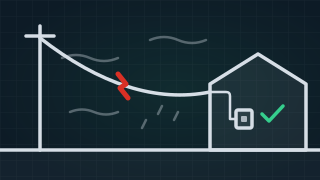
NBN dropouts when it's windy or raining
-
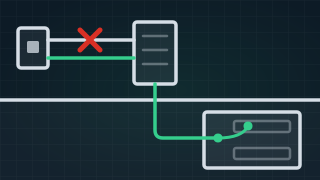
No internet in a new apartment: a short, moved pairs and the wrong details
-
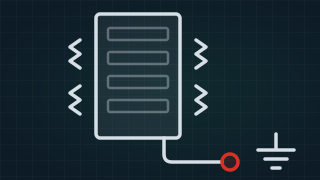
High latency for a gamer, and a strange noise in the MDF room
-
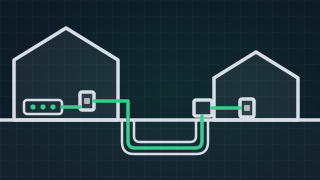
Sharing the main house's NBN with a granny flat
-

A home network that kept getting broken into, and what to do if you think yours has
NBN explained
All 13 guides-
Which NBN connection is best, and which one have you got?
Fibre to the premises is the best NBN connection, because nothing but fibre runs to the house. Every other type finishes on older cable, and how well it works depends on that cable. Here is how to tell which one you have, what each one means, and what you can do about it. -
 New
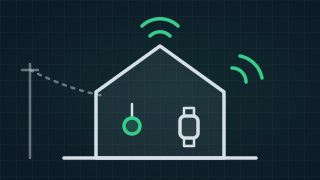
New Personal alarms for elderly parents: which ones still call for help when the power goes out?
-
 New
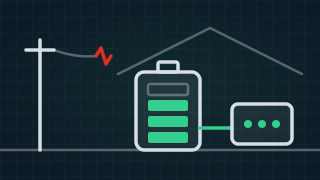
New NBN battery backup: what keeps working in a blackout?
-
 New
New Moving into a new home with no NBN: new estates, new builds and missing addresses
-
 New
New Starlink vs 5G home internet vs NBN: which one for your home?
-
 New
New What NBN speed do you need: 100, 500, 1000 or 2000?
-
What is NBN HFC (hybrid fibre coaxial)?
-
What is NBN fibre to the curb (FTTC)?
-
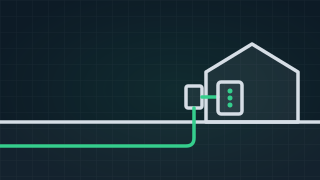
NBN fibre to the premises (FTTP) and the fibre upgrade, explained
-
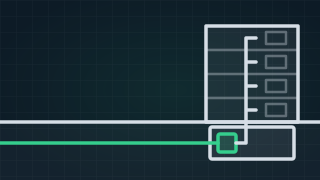
What is NBN fibre to the building (FTTB), and is it any good?
-
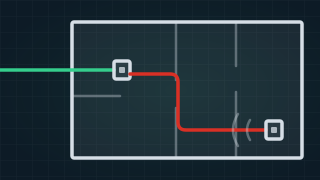
What is a bridge tap?
-
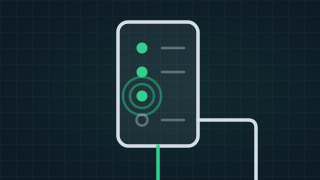
NBN connection box lights: what they mean, and what to do when they change
-
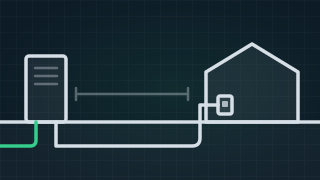
What is NBN fibre to the node (FTTN), and why does it drop out?
Installation & cabling
All 12 guides-
How to set up a wired network at home
A wired home network is a data cable from one central point to each room that needs a steady connection. Plugging it in at the end is the easy part. The real work is getting each cable from the hub to the room, out of sight, and that depends on how your home is built. -
 New
New The fibre upgrade is free. Here's what households end up paying for.
-
 New
New Where will NBN put your box? Plan the spot before the installer arrives.
-
 New
New Before you dig: find the NBN cable first, and what to do if you cut it
-
 New
New Cat5e vs Cat6 vs Cat6a: which cable does a home need?
-
 New
New Do you need a licence to run data cable in Australia?
-
 New
New How many data points does a home need, and where should they go?
-
 New
New The NBN box is in the garage. How do you get the internet to the rest of the house?
-
 New
New Getting the internet to a shed, studio or second building: the wireless bridge
-
 New
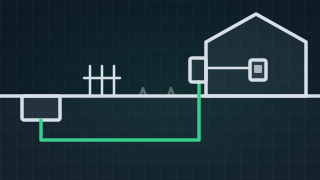
New Who owns the NBN lead-in to your house?
-
 New
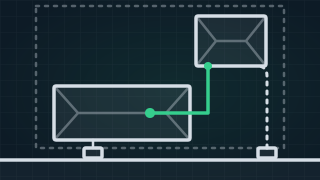
New Granny flat NBN: your own service, or share the house's?
-
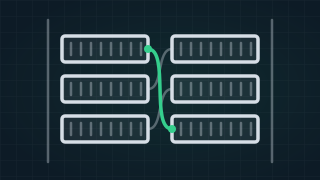
What is MDF jumpering?
ISPs & your rights
All 6 guides-
What is an internet technician?
An internet technician finds and fixes faults in the cabling and equipment on your side of the network: the wiring in the walls, the sockets, the modem and the WiFi. They hold a cabling registration, and they work for you, not for a provider or for NBN. -
 New
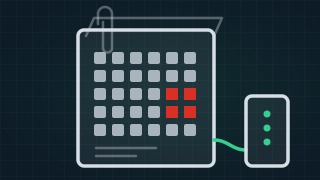
New Your NBN keeps dropping out. Here's how to prove it.
-
 New
New Got a text or email you're not sure about? How to check if it's a scam
-
 New
New A call from "Telstra" or "NBN" saying your internet is hacked? Hang up. Here's how the scam works
-
 New
New How to complain about an NBN fault: your provider first, then the ombudsman