
Guides
Modem, router and WiFi guides
A good connection can feel like a bad one if the equipment at the end of it is wrong for the house. The line delivers speed to one box in one room. How far the WiFi reaches, how many devices it holds and whether it stays connected all come down to the modem or router and where it sits.
These guides cover that last stretch: modem or router, mesh or extender, which box suits your type of NBN, and when a single network cable does more than any new equipment. They are written from installing and fault finding this gear in real homes.
- Guides17 guides in this topic
- Last updated31 Oct 2026
- Written byA technician, 31 years in the field
Need this fixed rather than explained?
These guides are written from the field. When the job needs a technician on site, this is where to go next.
Start here
 Start here
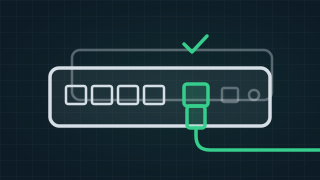
 The best modem for NBN, and the best router, picked by your type of connection
The best modem for NBN depends on what plugs into your wall: a VDSL2 modem router with a DSL port if you only have a phone socket, or a router with a WAN port if you have an NBN box. There is a pick here for every type of NBN, then what to look for. Need it fixed?WiFi Technician16 more guides on this
-
 New
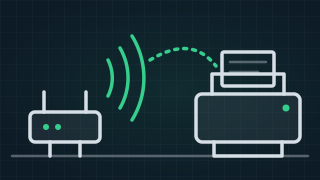
New Printer says offline? How to get it back on the WiFi and printing
Printer says offline? Get it back on the WiFi with the makers' own checks, in order, for Windows and Mac, plus what to do after a new modem or password. -
 New
New Screen mirroring: how to get your phone, tablet or laptop on the TV
How to mirror or cast an iPhone, Android phone, Windows laptop or Mac to your TV, the HDMI cable way, and why the TV doesn't show up in the list. -
 New
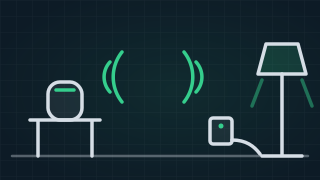
New Smart plugs, smart bulbs and Alexa or Google: how to set them up and get them working together
How to set up a smart plug, a smart bulb and an Alexa or Google speaker, make a routine, and fix devices that stop responding, in plain steps. -
 New
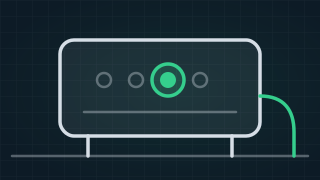
New Telstra Smart Modem: which one you have, what the light means, and how to fix it
Which Telstra Smart Modem you have, what each light colour means on the Smart Modem 4, Gen 3 and Gen 2, and Telstra's own fixes for red and blue lights. -
 New
New 2.4GHz vs 5GHz WiFi: what's the difference, and why won't the smart plug connect?
2.4GHz vs 5GHz WiFi in plain words, why smart plugs, cameras and doorbells won't join, and the modem setting that gets them connected. -
 New
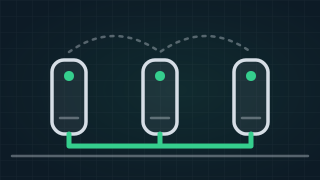
New The best mesh WiFi for Australian homes, picked by the house
Mesh WiFi picks for Australian homes, then how to choose: how many units you need, wired backhaul, where to put them, and when you need a modem too. -
 New
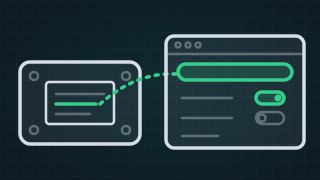
New How to log into your modem and change the WiFi name and password
Modem login addresses for Telstra, Optus, TPG, iiNet, Vodafone, Aussie, TP-Link and NETGEAR, and how to change the WiFi name and password safely. -
 New
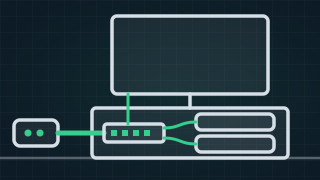
New Network switch vs router: how do you add more ethernet ports?
Network switch vs router in plain words: adding ethernet ports at the TV or the office from one cable, unmanaged, managed or PoE, and the mistakes to avoid. -
 New
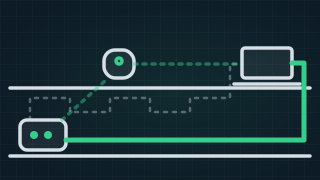
New Powerline adapters, mesh WiFi, MoCA or a cable: which gets the internet to the far room?
Do powerline adapters work? What decides it, how they compare with mesh WiFi and MoCA over coax, and when a network cable is the only real fix. -
 New
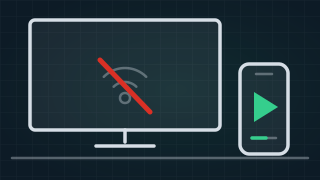
New Why won't my smart TV connect to the WiFi?
Why a smart TV won't connect to WiFi or keeps dropping off, the phone test that finds the cause, steps for any brand, and when a cable is the fix. -
 New
New Bad mobile reception at home? WiFi calling, and the boosters that are legal
One bar at home? What WiFi calling is, how to turn it on, why it stops in a blackout, calling 000, and which mobile boosters and repeaters are legal. -
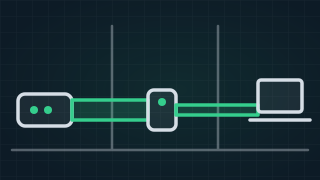
Do WiFi range extenders really work?
Do WiFi extenders work, are they worth it and are they safe? What an extender can and cannot do, when mesh is better, and when a cable beats both. -
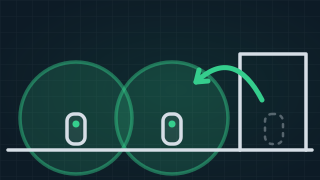
How to boost a mesh WiFi signal
How to boost a mesh WiFi signal: where to put the units, thick walls and older houses, linking units by cable, and the settings that make mesh stronger. -
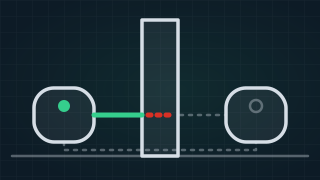
Why does my mesh WiFi keep disconnecting? Common causes and fixes
Why mesh WiFi keeps disconnecting: a weak link between the units, placement, interference or the modem's own WiFi. Common problems and the fixes, in order. -

Best 4G routers: how to pick the right one
How to choose the best 4G router or 4G modem in Australia: the SIM slot, bands, antenna and ethernet ports, for a home or a caravan, and when 4G makes sense. -
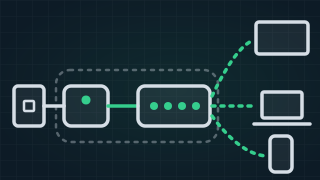
What is the difference between a modem and a router?
Modem vs router: are they the same? A modem connects your home to the internet, a router shares it and makes the WiFi. Which box is which on the NBN.