
HOME COMPUTER
SETUP
Everything Working.
Nothing Confusing.
We come to your home, unbox your new Windows PC, install antivirus, configure all your software and apps, connect your peripherals, and walk you through how to use it — step by step, in plain English. Senior-friendly service across Greater Sydney.
WHY SETTING UP YOUR NEW WINDOWS PC
IS HARDER THAN IT LOOKS
Most Windows setup problems aren't hardware faults — they're configuration steps that get skipped, security settings left at defaults, or software that installs without proper guidance. Here's what we find in homes every week.
New PC Still in the Box — Not Sure Where to Start
Windows Updates, Passwords, Accounts — Overwhelming to Configure
Antivirus Expired or Never Set Up Properly
Printer, Mouse or Monitor Won't Connect Correctly
No One to Show You How to Use It Day to Day
ONE VISIT.
FULLY CONFIGURED
& READY TO USE.
We handle your complete Windows PC setup from start to finish — unboxing, configuration, antivirus, software, peripherals, WiFi connection, and a patient walkthrough so every household member feels confident using it.
WHAT WE HANDLE — EVERY SETUP, EVERY TIME
From brand-new laptops to older desktops that need a refresh — all major Windows versions, antivirus brands, software, peripherals, and connectivity. We bring the expertise. You supply the coffee.
Windows Versions
Antivirus & Protection
Apps & Software
Printers & Devices
Network & Internet
Plain-English Sessions
HOME COMPUTER SETUP & IT SERVICES
From a new Windows PC setup to ongoing tech support — SECURE A COM provides on-site, licensed technician services for homes across Greater Sydney. We handle computers, printers, WiFi, data cabling, and smart TVs.
Home Computer Setup NSW
State-wide Windows PC setup across New South Wales — Greater Sydney and regional areas. PC unboxing, antivirus, software, and user training. 18+ years helping NSW homes.
Computer setup across NSWHome Computer Setup Sydney
Windows PC setup, antivirus installation, software configuration, and a plain-English walkthrough for Sydney homes. Patient, senior-friendly service across all suburbs.
Computer setup in SydneyHome Computer Setup Sutherland Shire
Local Windows PC technician based in Sutherland Shire. Fastest response times, no extra travel charge within 40km. All brands, all ages, senior-friendly service.
Computer setup in Sutherland ShireHome IT Tech Support
Ongoing tech support for homes and families — troubleshooting, printer faults, network management, and more. Patient, reliable help without jargon or condescension.
Home IT tech supportSmart TV Setup Sydney
Just got a new smart TV? We pair it to WiFi, install all free-to-air and streaming apps, run a channel scan, and walk you through how to use it — in plain English.
Smart TV setup serviceWiFi Solutions Sydney
Slow or unreliable WiFi affecting your home office or PC? We assess and optimise wireless coverage — eliminating dead zones and connection drops across your home.
Fix WiFi coverage problemsMesh WiFi Installation
Larger homes often need a mesh network for reliable internet in every room — home office included. We source, install, and configure the right mesh system for your property.
Mesh WiFi installationData Cabling Installation
For the most reliable home office connection, a hardwired ethernet cable eliminates WiFi dropouts entirely. We run Cat6 cabling discreetly through your home to your PC location.
Structured data cabling installationSmart TV Setup Sutherland Shire
Local smart TV technician in Sutherland Shire. WiFi pairing, streaming apps, and a plain-English walkthrough for your entire household. All brands, all ages.
Smart TV setup in Sutherland ShireBOOKED TODAY. RUNNING TONIGHT.
Here's exactly what happens when you book a professional Windows PC setup with SECURE A COM. A clear six-step process — from your first call to sitting back at a fully configured, secure and ready-to-use computer.
Book Online or Call in 60 Seconds
Use our online booking form or call 02 9188 1577. Tell us about your new or existing Windows PC, what software and peripherals you need set up, and whether senior residents are at home. We confirm your booking and review the job details before arrival — no guesswork on the day.
We Arrive On Time with All the Right Tools
Your technician arrives at the confirmed time carrying USB drives, installer media and the tools typically needed for a complete Windows PC setup. We call ahead with an estimated arrival time so you're not waiting in a wide window — and we never ask you to chase us.
Unbox, Position and Connect Your Hardware
We carefully unbox and position your computer, monitor and all peripherals — keyboard, mouse, printer, webcam and external drives. Everything is connected cleanly with cables managed and out of the way before Windows setup even begins. No guesswork — we check every port first.
Configure Windows, Security and All Your Apps
Windows is fully updated and configured. We create your user account, set privacy options and power settings, then install and activate your antivirus. Microsoft 365, Outlook, Chrome and any other apps you need are installed, signed in and ready — all done in a single visit.
Test Every Peripheral — Until Everything Works
Every peripheral is tested before we move on — printer, monitor, keyboard, mouse, webcam, external drives and Bluetooth devices. WiFi and Ethernet connections are verified. We don't consider the setup complete until every piece of hardware is confirmed working and functional.
Plain-English Walkthrough — Guaranteed 12 Months
We walk you through everything — opening apps, checking emails, browsing the web, printing documents and using your antivirus. Senior residents get as much time as they need — no rushing, no jargon. We leave our contact number and back all our work with a 12-month workmanship guarantee.
// Ready to get set up properly?
BOOK YOUR COMPUTER SETUP Prefer to call? 02 9188 1577 — we'll talk you through it first.ONE PRICE. NO SURPRISES.
You know exactly what you're paying before we arrive — and exactly what's included. No hidden call-out fees, no surprises when we leave.
GST inclusive. Covers up to 1 hour on-site and up to 40km travel from our Sutherland Shire office. Additional time or travel is always disclosed before charges apply. See Terms & Conditions →
PRICING FAQ
LICENSED. CERTIFIED. ACCOUNTABLE.
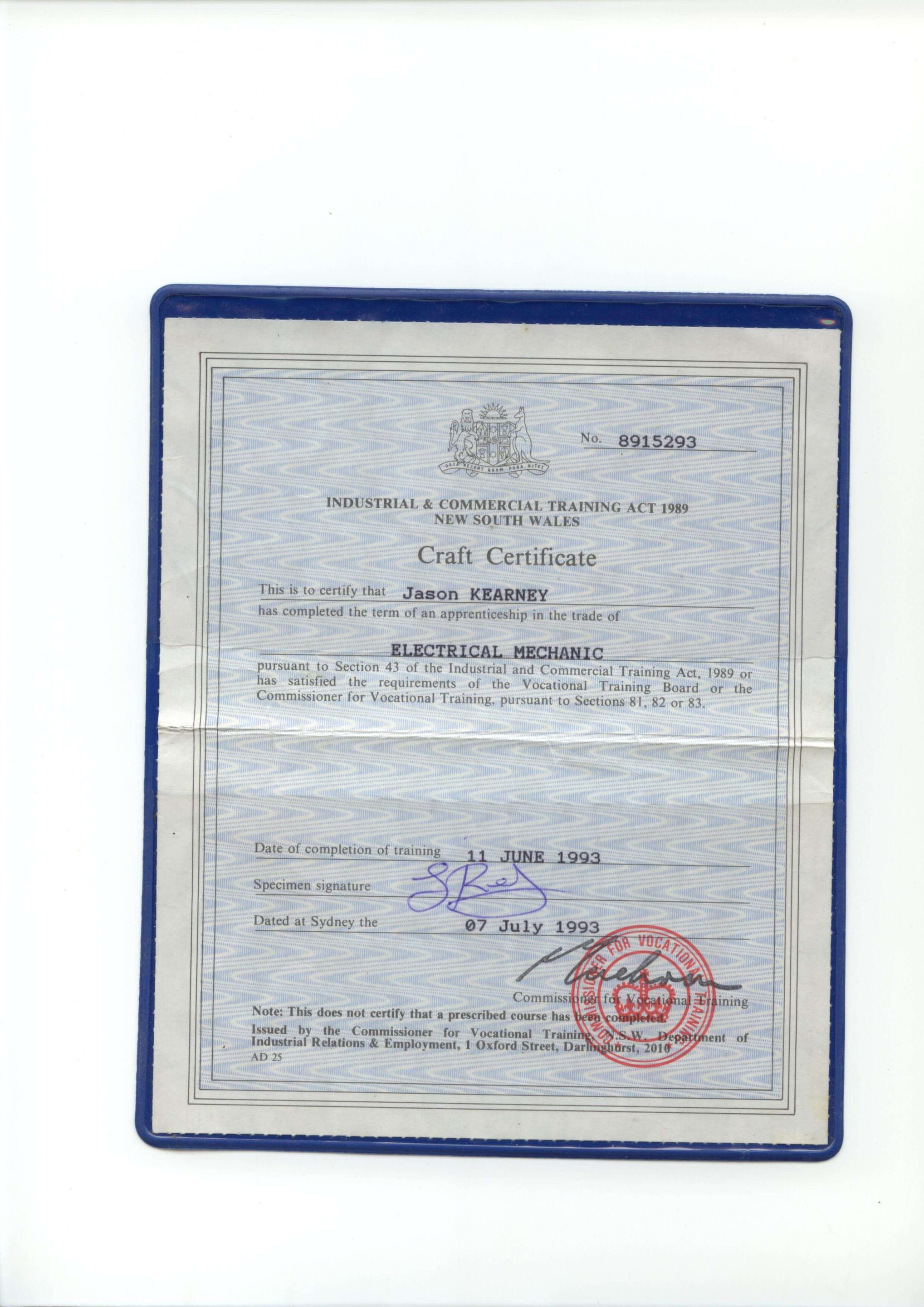
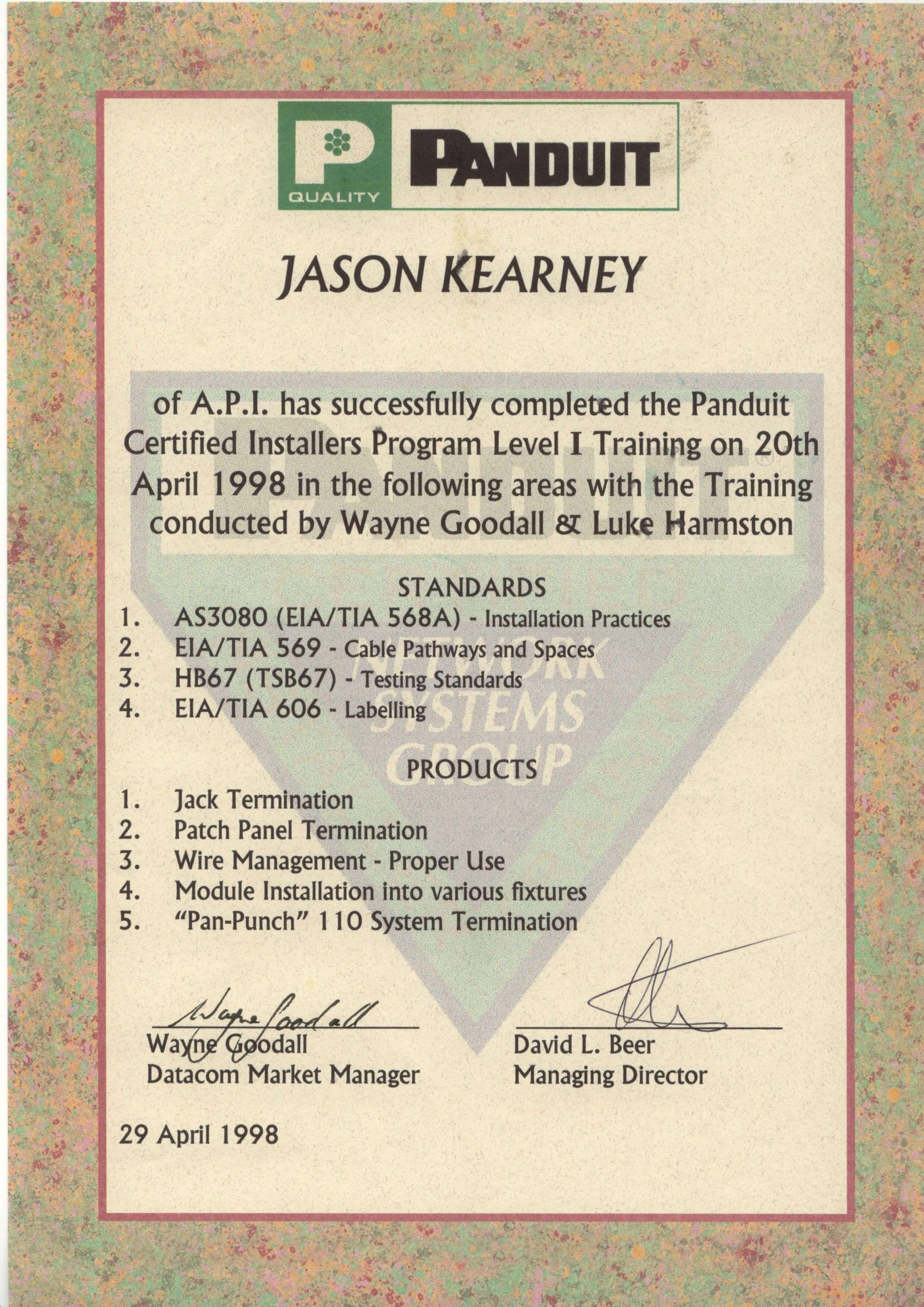
Secure A Com holds every licence and certification required to legally work on NBN and telecommunications infrastructure in Australia. Our master technicians are fully registered with ASIAL, an official national cabling registrar accredited by the Australian Communications and Media Authority (ACMA). When you book with us, you're engaging a properly registered cabler — not an unlicensed contractor. Click any certificate to view it in full.

JASON KEARNEY
Founder Jason Kearney is an Open Registered Cabler with 29 years of industry experience. In 1997, he was a manager for one of the first private contracting companies to work in the Telstra network following privatisation, leading the landmark CAN 2000 Project. Since establishing SECURE A COM in 2008, Jason has provided Sydney with independent, expert fault diagnosis and telecommunications solutions.




WHAT CUSTOMERS SAY


COMPANIES WE'VE WORKED FOR
From national banks to fast food chains — Sydney's biggest organisations trust us with their telecommunications infrastructure.


NBN · Data Cabling · Fibre · WiFi · Network Infrastructure











WINDOWS PC
SETUP
QUESTIONS
Common questions before booking a professional Windows computer setup. If your question isn't here, call us on 02 9188 1577 and we'll talk you through it before you commit to a booking.
answered below
We configure all current versions of Windows — including Windows 10 Home, Windows 10 Pro, Windows 11 Home, and Windows 11 Pro. Most new PCs sold today come with Windows 11 pre-installed; older machines from 2018 onwards often run Windows 10 and may be eligible for a free upgrade to Windows 11 depending on hardware compatibility.
We do not support Apple Mac or macOS — our computer setup service is Windows-only. If you're unsure which version your PC has, we'll identify it during the visit and advise on whether an upgrade is worthwhile before making any changes.
Most standard home computer setups — unboxing, Windows configuration, antivirus installation, a handful of apps, printer connection and a user walkthrough — are completed within one hour. 90% of our computer setup visits are fully sorted in a single call.
More involved setups may run longer — for example, migrating data from an old PC, installing a large suite of business software, setting up multiple accounts, or households with senior residents who want an extended plain-English walkthrough. We include one hour in the service call fee; if more time is needed, we'll advise before anything extra is charged.
Yes — we install whatever Windows software and apps you need. Common installations include Microsoft 365 (Word, Excel, Outlook), Google Chrome, Firefox, Zoom, Adobe Reader, VLC, OneDrive and any other program you regularly use. If you have your own software licences on disc or USB, we'll install those too.
A few things to have ready before the visit: your software licence keys if applicable, your Microsoft account email and password (for Microsoft 365 or OneDrive), and your email account login details if you want Outlook configured. The more you can prepare in advance, the more we can complete in the first hour.
Yes — peripheral setup is included in the service. We connect and test printers (USB and wireless), monitors, keyboards, mice, webcams, external hard drives, USB hubs and Bluetooth devices. We install the correct drivers, verify every device is working properly, and show you how to use each one before we leave.
Wireless printers can sometimes be tricky — especially if your WiFi network has both a 2.4GHz and 5GHz band. We handle this as part of the standard setup and won't leave with a printer that hasn't printed a test page successfully. If a peripheral has a hardware fault, we'll identify it clearly and advise on your options.
Absolutely — working with seniors and non-technical users is one of the most important parts of what we do. We use completely plain English throughout the visit — no jargon, no rushed explanations, no making you feel like you should already know something. We take as long as is needed for the walkthrough and cover everything at your pace.
We can also make Windows easier to use — increasing text size and icon size, simplifying the Start menu, configuring accessibility features, setting up desktop shortcuts to your most-used apps, and showing you exactly how to do things like sending emails, video calling family, printing documents and staying safe online. Many of our clients say it's the first time tech has felt manageable. That's the experience we aim for.
Our approach to antivirus is honest: Windows Defender — Microsoft's built-in security tool — is genuinely excellent for most home users and is always our starting point. For most new PCs, properly configuring and activating Windows Defender is all you need. We never push paid antivirus software unless your situation genuinely warrants it.
If you want a third-party antivirus — such as Norton 360, ESET NOD32, Bitdefender, McAfee or Malwarebytes — we'll install and configure whichever product you choose. We advise you on the pros and cons of each option so you can make an informed decision, not just the most expensive one. Whatever we install, we make sure real-time protection is active and your first scan completes cleanly before we leave.
If we discover a hardware fault during the setup visit — for example, a failing hard drive, faulty RAM, a dead USB port, or a defective display — we'll diagnose it clearly, explain exactly what's wrong, and advise on your options. For brand-new computers still under manufacturer warranty, we'll guide you through the claims process.
We don't leave you without help. Even if a hardware fault prevents full setup of the affected machine, we configure everything else that is working correctly and maximise the value of the service call. We also offer an IT Tech Support service if you need ongoing help troubleshooting hardware problems or managing a faulty device through repair or replacement.
SECURE A COM is based in the Sutherland Shire and provides home computer setup services across all of Greater Sydney — including the Eastern Suburbs, Inner West, North Shore, Northern Beaches, Western Sydney, Parramatta, Hills District, St George area, and South-Western Sydney.
Looking for a location-specific service page? We have dedicated pages for Computer Setup Sydney and Computer Setup Sutherland Shire. Travel within 40km of our Sutherland Shire office is included in the service call fee — homes beyond 40km attract a travel supplement confirmed before booking. See our Terms & Conditions for full details.
YOUR WINDOWS PC.
FULLY SET UP. RIGHT NOW.
We come to your home, unbox your PC, configure Windows, install antivirus and all your apps, connect your printer and peripherals, and walk you through how to use everything — in plain English, at your pace. One visit. Everything working.
Mon–Fri · Seniors welcome · Greater Sydney & Sutherland Shire